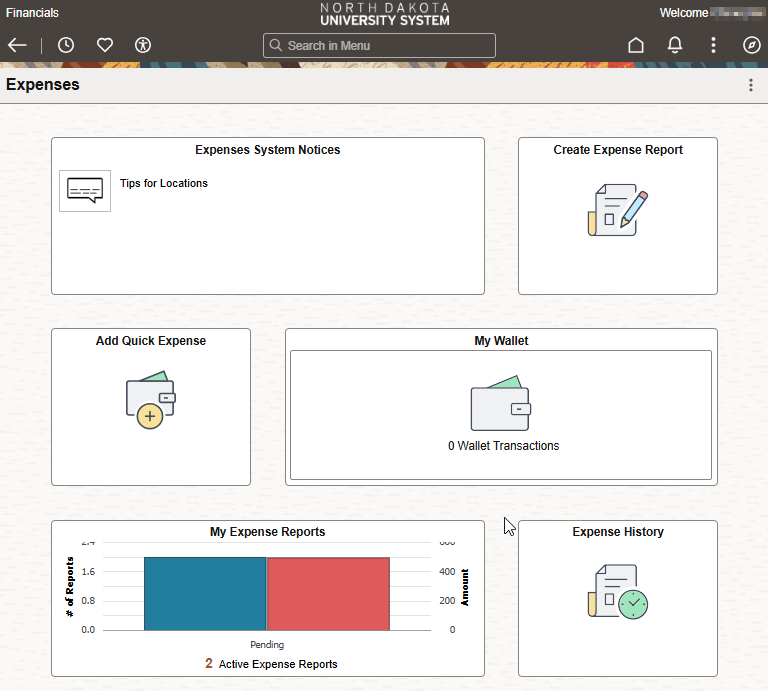
Updated Travel Expense User Guide
The new UND Travel Expense Report User Guide is now available to support travelers and delegates involved in submitting travel expense reports for university travel. This guide walks through the recommended process for entering, reviewing, and submitting travel expenses for reimbursement, whether the employee is completing their own report or serving as a delegate on behalf of another traveler. It includes step‑by‑step instructions, screenshots, role‑specific guidance, and helpful reminders designed to improve accuracy, ensure policy awareness, and support timely reimbursement. New employees and delegates are encouraged to familiarize themselves with the guide before creating or submitting their first Travel Expense Report.
The new Travel Expense Report User Guide is available on UND’s Travel Trip Related Reimbursement webpage.
* Note – this guide does not include instructions for the Supervisor, Expense Manager, or a Division/Department Approver. Please continue to utilize the NDUS Travel & Expense Approver Guide located on UND’s Travel Webpage Trip Related Reimbursement webpage.